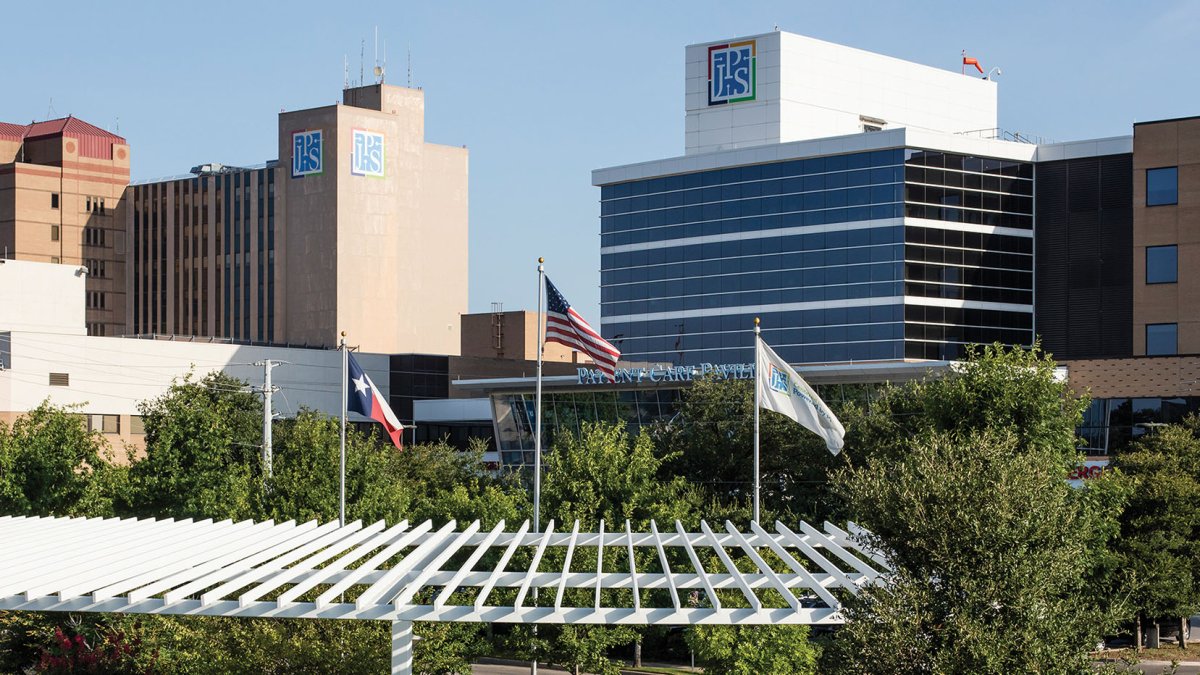
JPS Health Network patient access to MyChart has been down since at least Aug. 3, preventing patients from checking appointment schedules or refilling medication.
JPS initially said it was experiencing an outage affecting several patient resources, including online services and phone lines, and was working to restore service ASAP.
On Aug. 4, JPS remained under a “controlled network downtime.” Meanwhile, the hospital, JPS clinics, and care locations were open and treating patients.
On Friday, Aug. 7, JPS revealed new details about the problem, saying they had identified suspicious activity with the “technology environment.” JPS decided to take down network systems. A spokeswoman told NBC 5 that the Aug. 7 statement was the last update on the issue.
Need a prescription refill during downtime?
On Wednesday, JPS Health Network advised patients needing medication while the system was down to fill out an online form to request a prescription refill.
- Download and complete the form.
- Attach a photo of your prescription bottle label.
- Submit the completed form to JPS Pharmacy Services by email at pharmacyrefills@jpshealth.org or by fax at 817-702-6748. Please allow up to three business days for refill requests, or up to seven business days for medications sent by mail.
If you or a family member is a JPS patient, contact the appropriate JPS Call Center.
- JPS Main Hospital: 817-702-3431
- JPS Community Health Centers: 817-702-1100
- JPS Outpatient Behavioral Health: 817-702-3100
- JPS Outpatient Pharmacies: 817-702-3531
- If you have an emergency, call 911.
This story uses functionality that may not work in our app. Click here to open the story in your web browser.