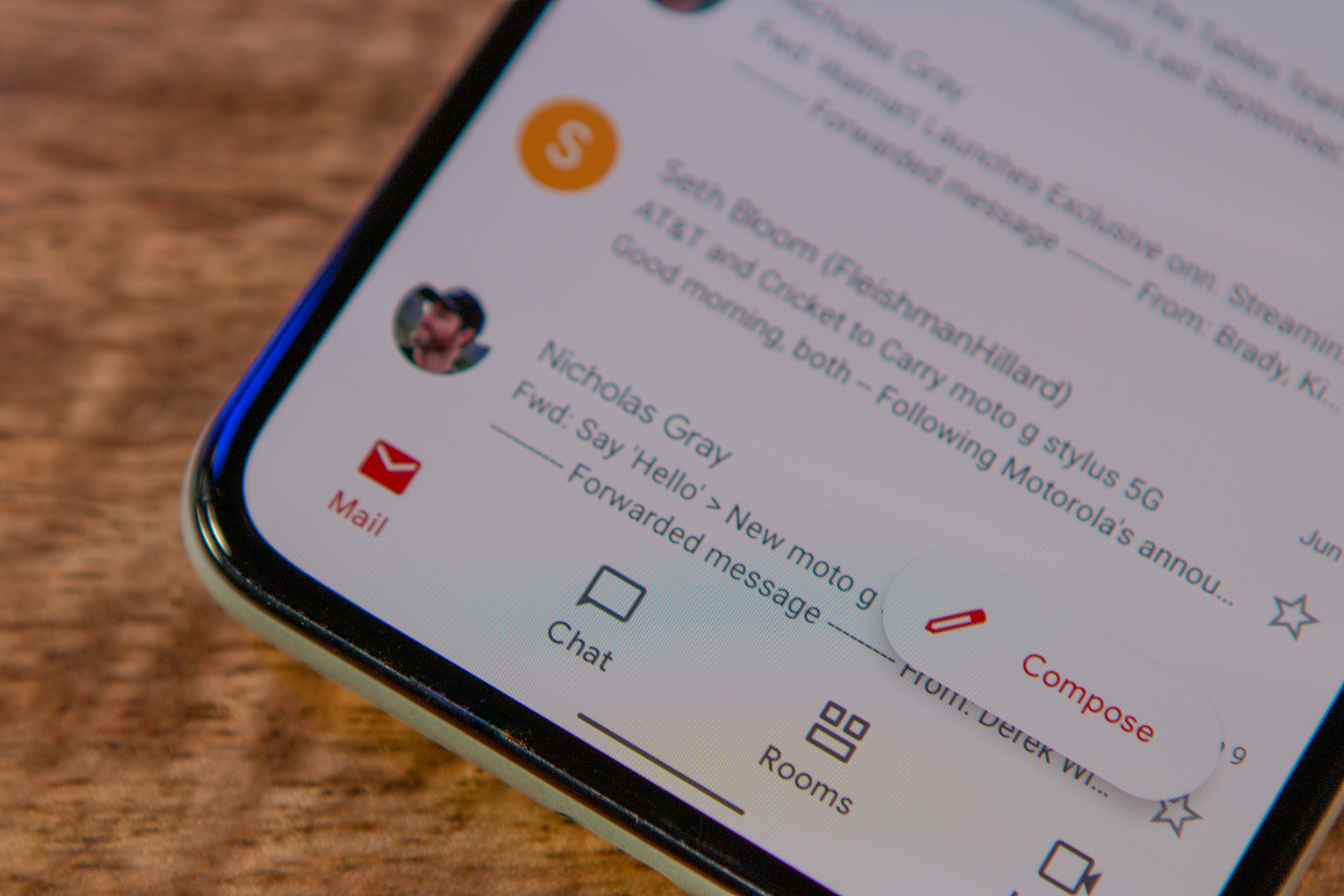
Tired of waking up at 3am to ping your overseas colleagues during their work hours? Google Chat schedule messages feature lets you draft now and send later, up to 120 days ahead. The feature works for everyone using Google Workspace, personal Google accounts, and Workspace Individual subscribers.
Setting up a scheduled message is simple. When you’re composing a message, click the down arrow next to the send button and pick your time. You can schedule sends anywhere from a few hours to four months in the future. Once scheduled, a banner pops up above your compose box showing you have pending messages.
Managing scheduled messages happens through that banner or a new Drafts shortcut in the sidebar. Click either one and you get a dedicated space where you can edit what you wrote, change the send time, or cancel the whole thing if plans shift. The ability to schedule Google Chat messages eliminates juggling third-party workarounds people have been using.
Rolling Out Now to All Users

Rapid Release domains got access right away, while Scheduled Release domains will see it by mid-January 2026. There’s no admin setup needed, which means you can start using it immediately without waiting for IT approval. The feature brings Google Chat in line with Gmail’s scheduling that launched years ago.
The real win here is for remote teams spread across time zones. Instead of sending reminders at midnight or waking up early to catch someone’s morning, you queue messages for their 9am and keep sleeping. Managers can batch weekly updates on Friday and schedule them to land Monday morning when people actually read them.
This also helps with work-life balance. No more feeling obligated to respond after hours just because you thought of something. Draft it, schedule it for tomorrow, and log off guilt-free. For freelancers managing clients in different countries, it means looking professional without pulling all-nighters.
The 120-day window is generous compared to most messaging apps. You can set quarterly reminders, schedule project kickoffs months ahead, or queue seasonal announcements without touching them again. It eliminates the “remind me to send this later” notes cluttering your todo list.
The post Google Chat Finally Gets Message Scheduling Feature for Workspace appeared first on Phandroid.